
December 08, 2025
Imagine this: You're three hours into a five-hour holiday road trip to visit family. Your daughter asks, "Can I play Roblox on your laptop?" Not just any laptop - your work laptop that's packed with sensitive client files, financial details, and complete business access. You're exhausted from packing, still have hours ahead, and honestly, keeping her entertained sounds like a lifeline. What could possibly go wrong?
Here's the truth: Holiday travel brings unique security risks that you don't encounter in your daily routine. Distractions, unfamiliar networks, fatigue, and the temptation to mix family time with quick work check-ins all create vulnerabilities. Whether you're on a business trip, family vacation, or a combination of both, it's crucial to guard your data while keeping the holiday spirit alive. Here's how.
Pre-Trip Prep: Quick 15-Minute Security Setup
Dedicate just 15 minutes before hitting the road to shield your devices and data:
Essential Device Security:
- Install all the latest security patches and updates
- Backup vital files securely to the cloud
- Set automatic screen locks with a maximum delay of two minutes
- Activate "Find My Device" features on phones and laptops
- Fully charge your portable power banks
- Bring along your own chargers and adapters to avoid reliance on unfamiliar ones
Establish Family Device Boundaries:
- Clarify which gadgets your kids can and can't use
- Provide a dedicated family tablet or secondary device exclusively for entertainment
- Create separate user profiles on your work laptop if children must use it
Insider tip: If your children will use devices during travel, bring a tablet unlinked from your work accounts. Investing in a $150 iPad is a small price compared to the fallout from a security breach.
Hotel WiFi Risks: Avoid This Common Pitfall
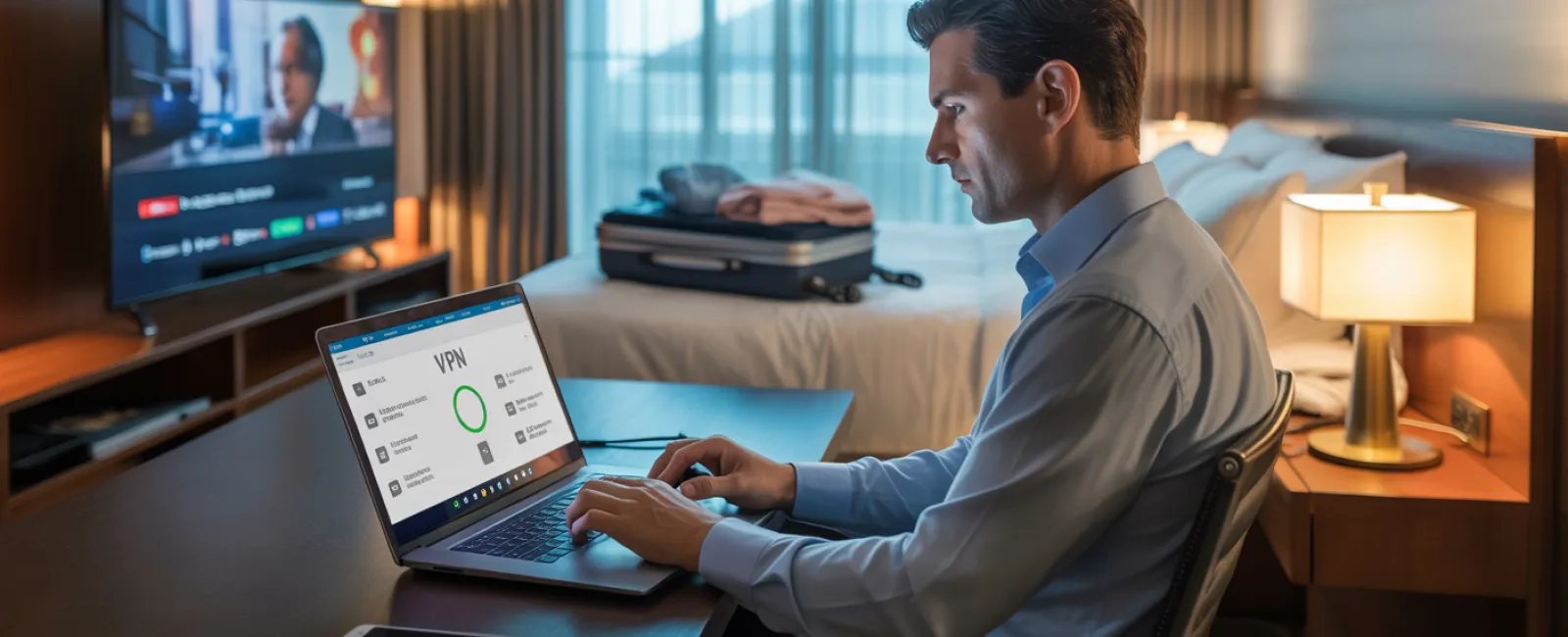
Upon arrival, everyone connects to the hotel's WiFi — phones, tablets, laptops, even gaming consoles. Your teenager streams Netflix, your spouse checks emails, and you hurriedly review a proposal for tomorrow's meeting.
The catch? Hotel WiFi is a shared network accessed by countless guests, and not all have good intentions.
True story: A family unknowingly connected to a rogue network mimicking their hotel's WiFi. For 48 hours, their passwords, credit card info, and emails were silently intercepted.
Smart Ways To Protect Yourself:
Always verify the official network name at the front desk instead of guessing.
Use a VPN for work-related tasks to encrypt your internet connection and shield your data.
Opt for your phone's data hotspot for sensitive activities like banking or client work instead of hotel WiFi.
Separate entertainment from essential work — let kids stream cartoons on hotel WiFi, but conduct confidential business only through your mobile hotspot.
The "Can I Use Your Laptop?" Dilemma
Your work laptop holds keys to everything—emails, bank accounts, client files, and business platforms. Kids want to watch videos, play games, or video chat with friends.
Why this matters: Children might accidentally download malware, click suspicious links, share passwords with friends, or stay logged in. Their innocence isn't the issue, but your work device's security is on the line.
How to handle it:
Simply say no to sharing work devices: "This is my work laptop, but here's another device just for you." Be firm and consistent.
If sharing is unavoidable:
- Set up a separate, restricted user account
- Supervise all activity closely
- Disallow downloading new applications or files
- Never save their passwords on your device
- Clear browser history after each session
A better solution: Carry a dedicated family device for travel — an older tablet or laptop without access to your work systems.
Streaming on Hotel TVs: Don't Forget to Log Out
Your family wants to enjoy Netflix on the hotel's smart TV. Someone logs into your account, but you forget to log out upon checkout.
The risk: Stranger guests can access your streaming accounts, and if passwords overlap, they might exploit this on other platforms.
Preventive Actions:
- Cast content from your personal device to the TV instead of logging in directly
- Set a phone reminder to log out before leaving the hotel
- Better yet: Download favorite shows onto devices beforehand to avoid using the TV entirely
Never access the following on hotel TVs:
- Banking applications
- Work or corporate accounts
- Email platforms
- Social media
- Any account with saved payment details
Lost Device? Act Fast
Holiday chaos means devices can easily get left behind in airports, cars, or hotel rooms. If your device goes missing...
In the first hour:
- Use "Find My Device" to track its location
- If unrecoverable, lock it remotely
- Change passwords immediately for critical accounts from another device
- Alert your IT professional or managed service provider to revoke system access
- Notify clients or partners if sensitive data was stored on the device
Before you travel, ensure your devices have:
- Remote tracking enabled
- Robust password protection
- Automatic encryption for data
- Capability for remote wiping of data if needed
Family member lost their device? Apply the same steps — lock it, change passwords, and track if possible.
Beware The Rental Car Bluetooth Data Trap
Connecting your phone to a rental car's Bluetooth is convenient for calls and music. But cars often store contacts, call histories, and sometimes even text previews.
This data usually remains accessible to subsequent drivers after you return the vehicle.
Quick 30-Second Security Checklist Before Returning:
- Delete your phone's connection from the car's Bluetooth settings
- Clear recent destinations from the GPS system
- Or better yet, use an aux cable or avoid connecting altogether
Balancing Work and Vacation: Set Clear Boundaries
You promised family time, yet you've checked emails dozens of times, taken multiple calls, and spent productive hours on your laptop while others played mini-golf.
Besides causing family friction, juggling work and relaxation harms your security awareness — making you prone to risky clicks and unsafe networks.
Honest Advice: If completely unplugging isn't an option, establish strict routines:
- Check emails only twice daily at designated times
- Rely on your mobile hotspot for work tasks, not public or hotel WiFi
- Work in private spaces like your hotel room, avoiding public areas with visible screens
- Stay fully present during family moments—avoid multitasking
Ultimately, your best defense is to actually take time off — your business will survive, and you'll return refreshed and more vigilant against threats.
Adopting a Security-First Mindset for Holiday Travel
Reality check: Blending work and family during holiday trips is often messy. Your kid might really need your laptop, or an urgent email demands your attention while your spouse drives.
The aim isn't perfection—it's conscious risk management:
- Prepare your devices thoroughly before travel
- Recognize which activities present higher risk (e.g., banking on hotel WiFi) versus safer choices (using your hotspot for work)
- Create clear separations between work data and family use
- Have a plan ready in case a security issue arises
- Know when to firmly say, "Not on this device," and mean it
Enjoy a Safe and Stress-Free Holiday
The holidays are for cherishing moments with loved ones — not dealing with data breaches or crisis calls from clients.
With a little foresight and some simple security habits, you can protect your business while ensuring your family enjoys the holiday. Everyone wins — peace of mind, and cherished memories.
Need assistance building travel security plans for your team and yourself? Click here or call us at 507-718-4288 to schedule a complimentary 15-Minute Call. We'll help craft practical, effective policies that safeguard your business without complicating travel.
After all, the best holiday story shouldn't be, "Remember when Dad's laptop got hacked?"