
March 02, 2026
Spring break often gets a bad rap.
Images of college students making risky choices and stories starting with "we thought it was a good idea at the time…" dominate the narrative.
Yet, adults slip up during spring break too. Their mistakes tend to be subtler and mostly tech-related.
You want to enjoy your family, but work tasks keep creeping in. You try to multitask, thinking, "I'll just handle this quickly."
That's exactly where the trouble begins.
Here are the top vacation tech pitfalls and how to avoid bringing unwanted digital baggage home.
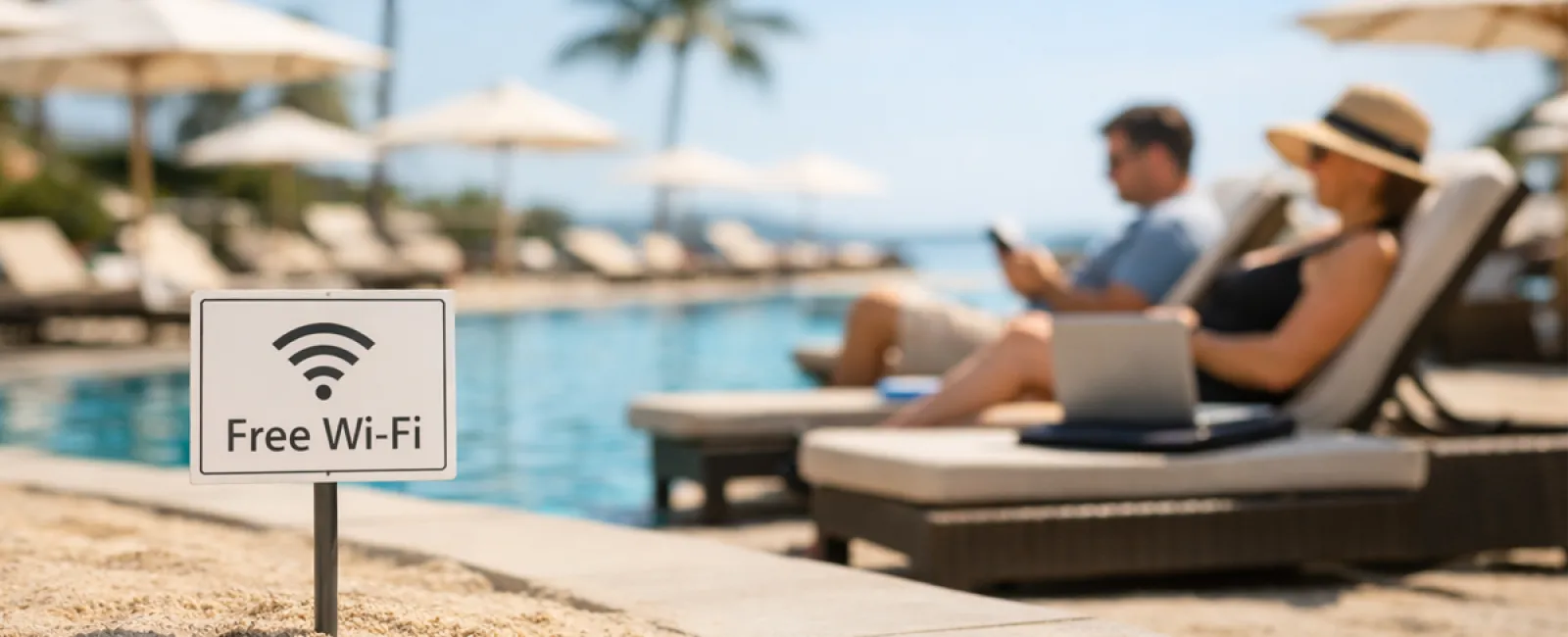
The "Free Wi-Fi Trap"
Hotels, coffee shops, airports—all offer Wi-Fi. You connect instinctively, just to send a quick email before the kids finish breakfast.
The danger: Fraudulent networks named "HOTEL_GUEST_FREE" could be controlled by cybercriminals nearby, capturing your logins, passwords, and banking info.
The solution: Rely on your phone hotspot for sensitive tasks. If public Wi-Fi is necessary, confirm the official network name at the front desk.
The "March Madness Streaming Fiasco"
The basketball tournament is live, but the hotel shows golf. You search "free March Madness stream" and click the first promising link.
After several pop-ups, something downloads unknowingly. But the game is on!
The danger: Malware infiltration, hijacked browsers, and fake sites masquerading as ESPN.
The solution: Use official streaming apps only. If a URL looks suspicious, close the tab immediately.
The "Sharing My Phone" Mistake
Your child is restless, and you hand over your phone for some quiet time.
Minutes later, they've downloaded multiple apps, granted full permissions, and signed up for dubious services like "RobuxFreeForever."
The danger: Unsecure app permissions, accounts linked to your email, and unexpected charges later.
The solution: Provide a separate tablet for kids that avoids your work, banking, or personal apps.
The "Just a Quick Login" Downward Spiral
You check one email, then the CRM, followed by accounting, client portals, and Slack.
All on public Wi-Fi, while your family waits impatiently.
The danger: Rushed logins on unsecured networks heighten the risk of your credentials being stolen.
The solution: Use your personal hotspot for work-related access or evaluate if the task can truly wait until after vacation.
The "Oversharing Vacation Location" Blunder
Posting a beach photo with a tagged location and dates like "Here until the 15th! 🌴"
The danger: Alerting everyone online that your home is empty and you're miles away.
The solution: Share your vacation memories after you return. The beach can wait.
The "Low Battery at Airport" Panic
Spotting a USB charging port at the airport, you plug in your dying phone.
The danger: "Juice jacking," where compromised charging stations steal data while providing power.
The solution: Carry a personal power bank and use your own charging cable and adapter.
The "Vacation Password" Pitfall
To access resort Wi-Fi, you hastily create a password like "Beach2026!"
By trip's end, multiple accounts share the same simple password.
The danger: A single security breach compromises all linked accounts.
The solution: Employ a password manager to generate unique, strong credentials for temporary accounts.
Final Thoughts
These errors don't stem from carelessness but from hurry and distractions as you try to switch into vacation mode.
That's perfectly normal.
Your aim shouldn't be perfection but minimizing unpleasant surprises once you're back home.
Ready for Spring Break?
If your business already embraces secure travel practices, enjoy your time off.
If some of these scenarios sound familiar, a brief 15-Minute Call could be valuable.
No pressure, no gimmicks—just actionable tips to keep your vacation truly restful.
If this doesn't apply to you, consider sharing it with someone who might benefit.
Click here or give us a call at 507-718-4288 to schedule your free 15-Minute Call.